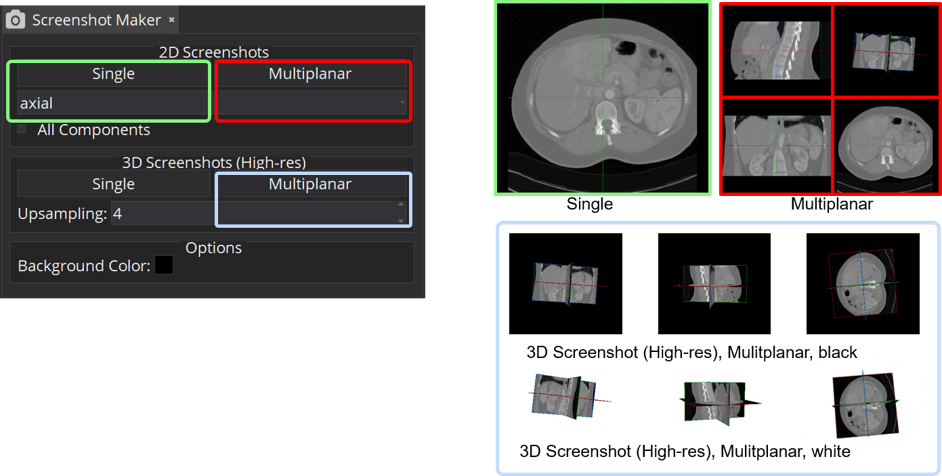
The Screenshot Maker saves screenshots of the display (render) windows. It works with any display editor, including the Standard Display and the MxN Display.
Screenshots capture the window contents (image data, crosshair and the chosen background). Corner annotations, window borders and the MITK logo are left out so the result is a clean image.
Screenshot of a single display window
Click "Screenshot single display window". The button stays pressed and a hint appears below it. While it is active, moving the mouse over a display window highlights that window with a white frame and dims the others, so it is clear which window will be captured.
Click the highlighted window to capture it. A dialog asks where to save the image; the proposed file name counts up automatically (screenshot_001.png, screenshot_002.png, ...) so existing screenshots are not overwritten.
To cancel without taking a screenshot, press Escape, click the button again, or right-click a display window.
Screenshot of all display windows
Click "Screenshot all display windows" and choose a folder. One screenshot per display window is saved into that folder, named after the window (for example Axial.png, Sagittal.png, Coronal.png and 3D.png for the Standard Display).
Options
- Background: choose the background of the screenshot: white, black, transparent, or a custom color (the last button opens a color dialog). Transparent screenshots are always saved as PNG, because JPEG does not support transparency.
- High resolution: an upsampling factor. 1x captures at the on-screen resolution; higher values (2x, 3x, ...) produce a correspondingly larger image. This works for both 2D and 3D display windows.